The Big LAN 18

24th January 2026
Doors Open 11AM

The Big LAN 18

24th January 2026
Doors Open 11AM

Coming Soon

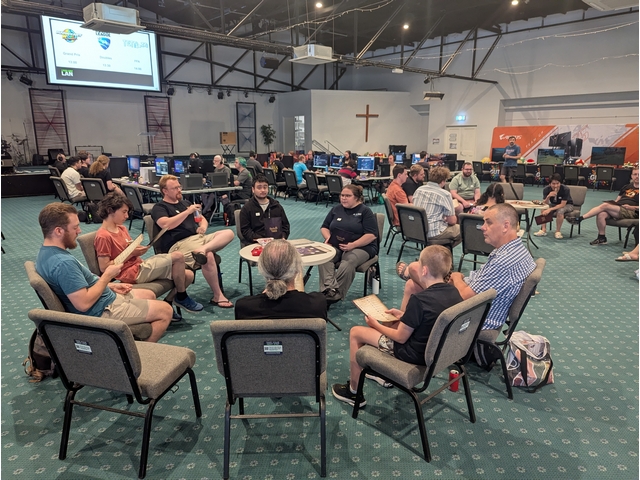
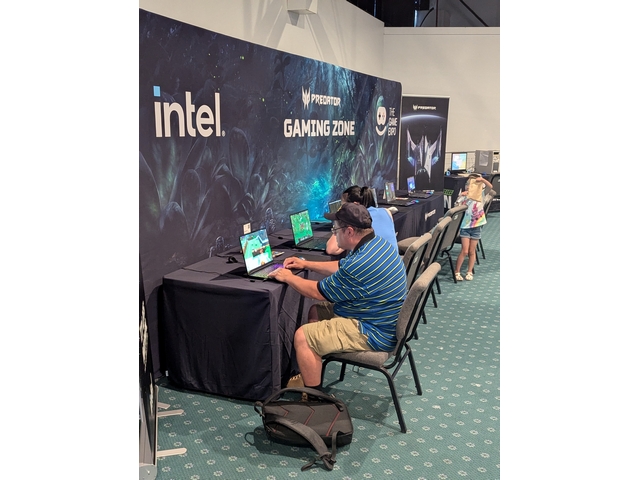
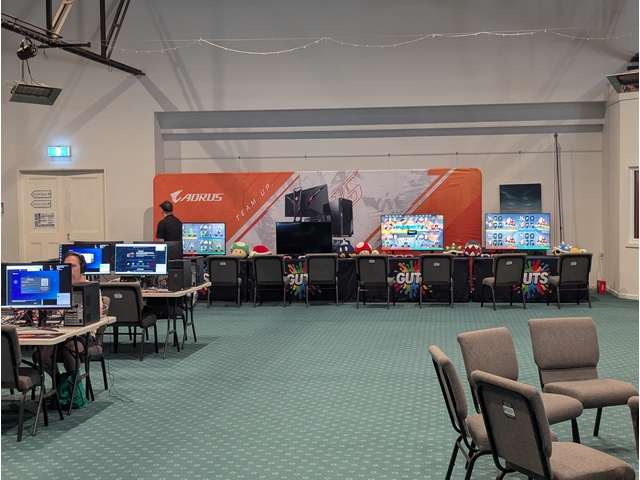
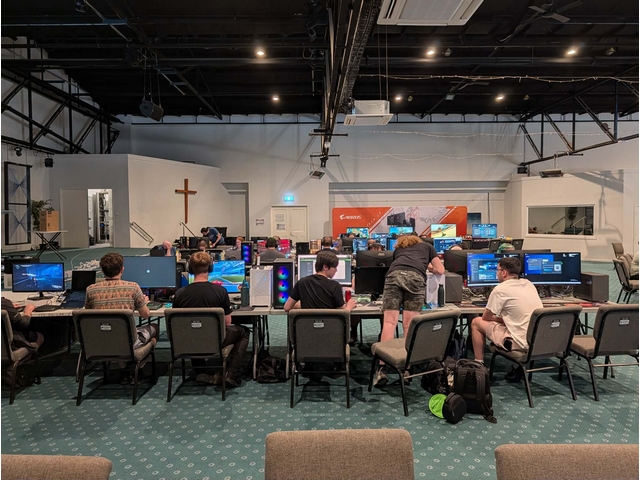
Come on down to THE BIG LAN, a full day LAN party filled with tournaments, esports, gaming, and Blood on the Clocktower! Bring along your PC and plug into our network for heaps of games with loads of prizes.

8-12 Simla St, Mitcham VIC 3132. Lots of on site parking available and PT just around the corner!

This is an 18+ alcohol free event. Players under 18 require a parent or guardian present for the duration of the event.
You Bring


PC or Console

Monitor & Cables

Keyboard & MouseExtras

Games & Accounts

We Bring


Network & Power

Multiplayer Servers

Network Cache

Food & Drinks

Tickets

Extra discounts on now

Early bird discounts on now

BYO PC

Access everything The Big LAN has to offer.

$30

$25

$23


Rentals

Access everything The Big LAN has to offer by borrowing a monitor, PC, or both!

$35+

$30+

$27+


Spectator

Check out the event and play Blood on the Clocktower, including lunch and dinner.

$5

Arrive & Setup
Arrive at least an hour before the first tournament you'd like to join
Sign Up
We'll take sign ups in person when the tournament is scheduled to start

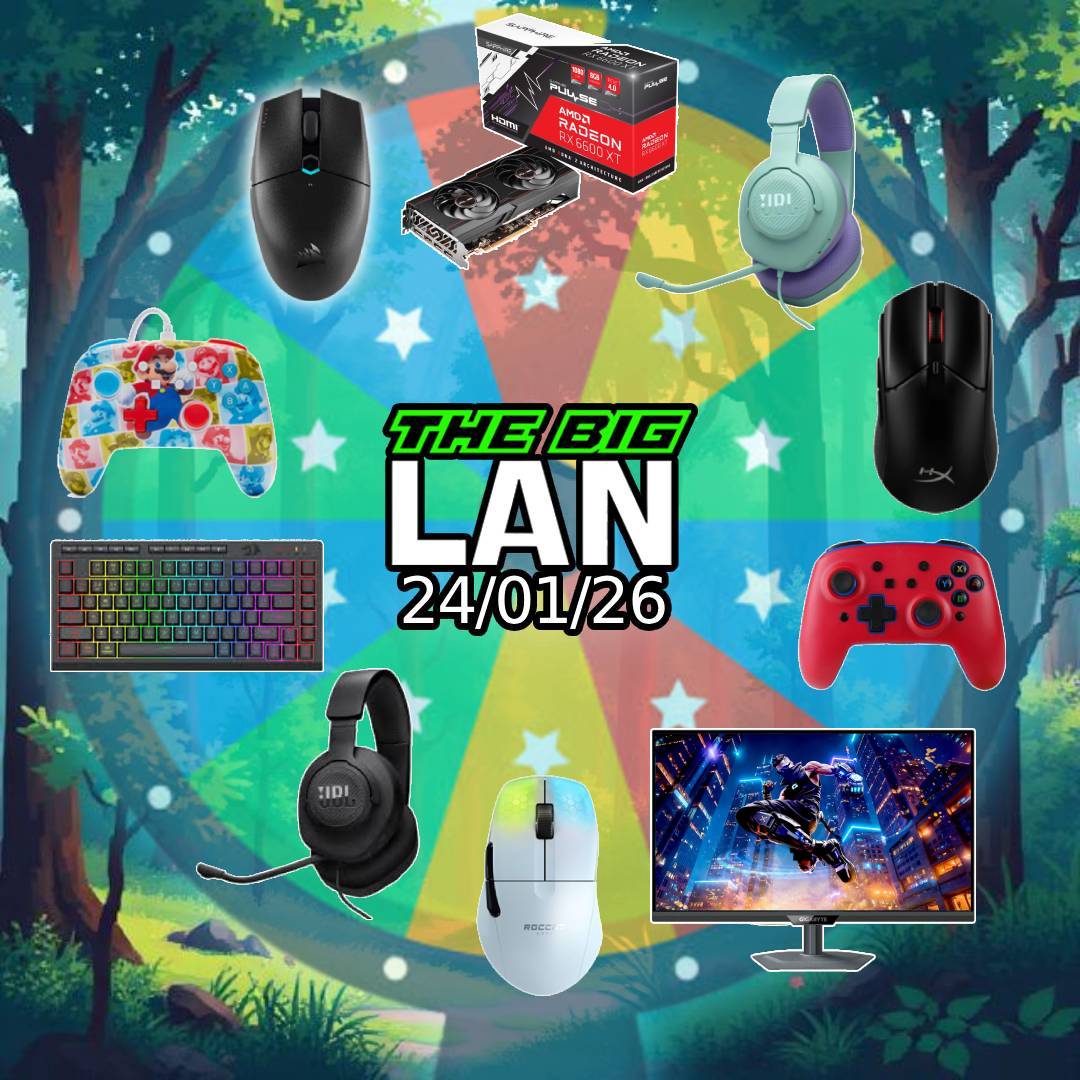
The Big Prize Wheel

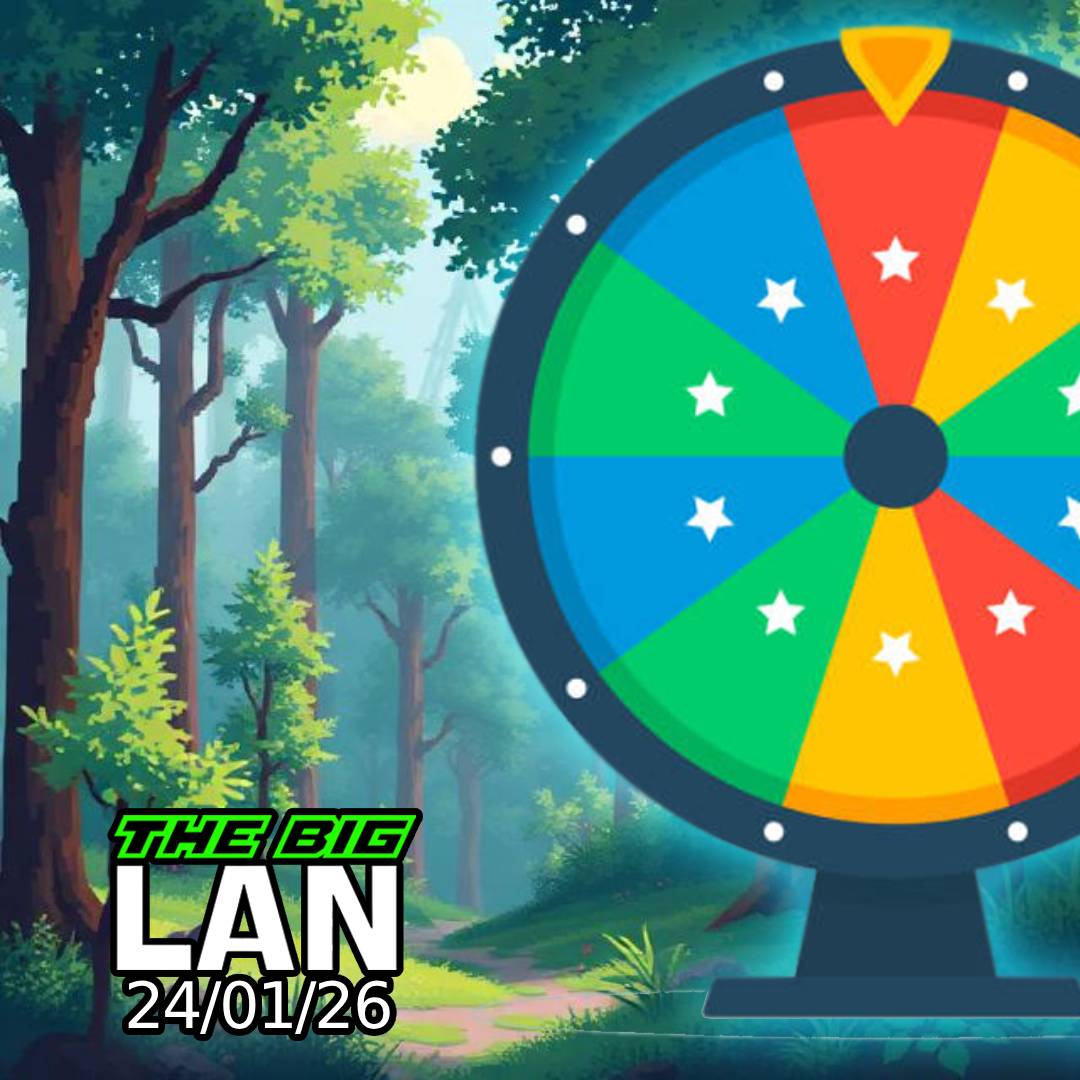
At The Big LAN, if you place first, second, or third in most tournaments, you get to spin The Big Prize Wheel.

We've got everything from PC peripherals like keyboards & mice to controllers and even graphics cards! Plus we'll still have the regular prize wheel filled with tshirts, stubby holders, mousemats, and so much more.

Schedule

Click each tournament listing for more details

Under development and subject to change

Remote Control Rocket League

RC Promo

Entry with any ticket, all equipment provided. Just grab a teammate, rev your engines, and put your Rocket League skills to the test in real life!

More details coming soon.

The Big Prize Wheel

At The Big LAN, if you place first, second, or third in most tournaments, you get to spin The Big Prize Wheel.

We've got everything from PC peripherals like keyboards & mice to controllers and even graphics cards!

Featuring

TBD

Bring Your Own PC Ticket

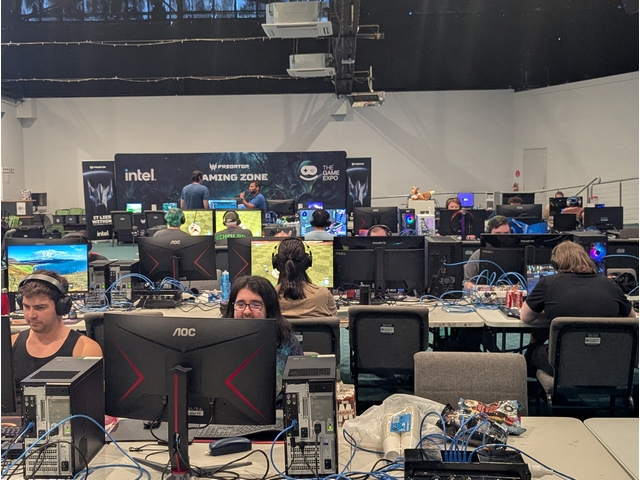
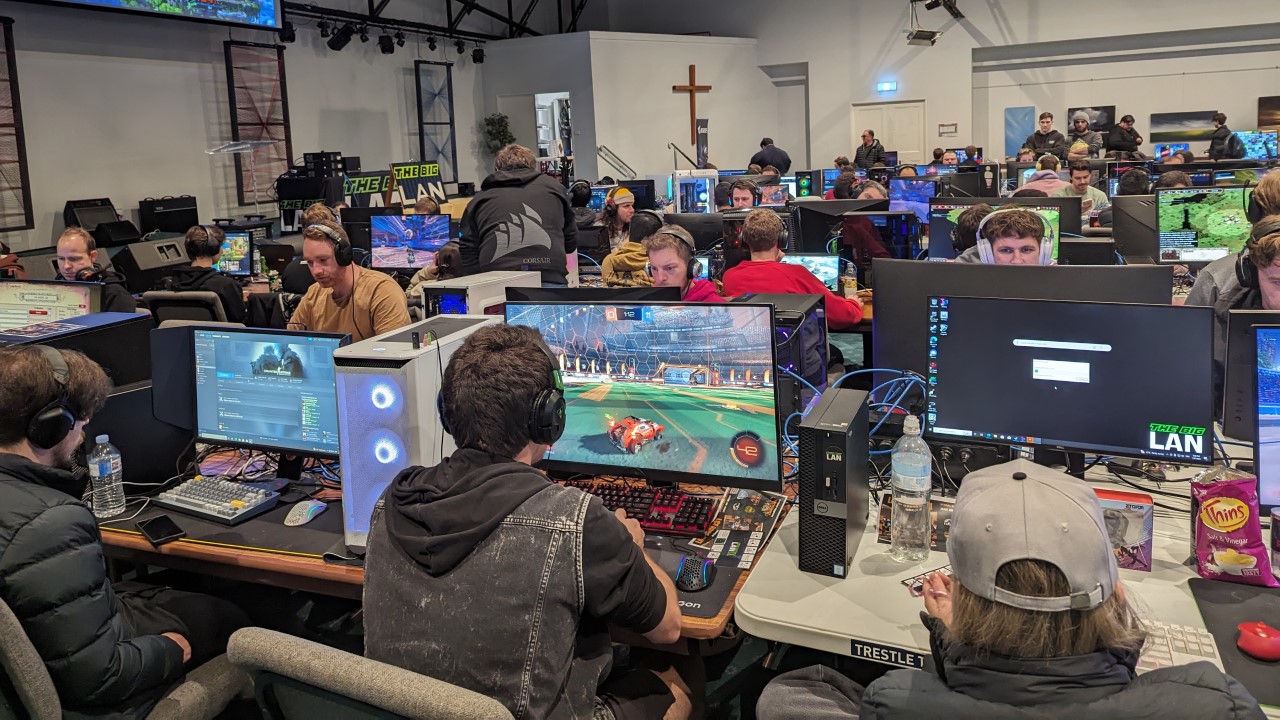
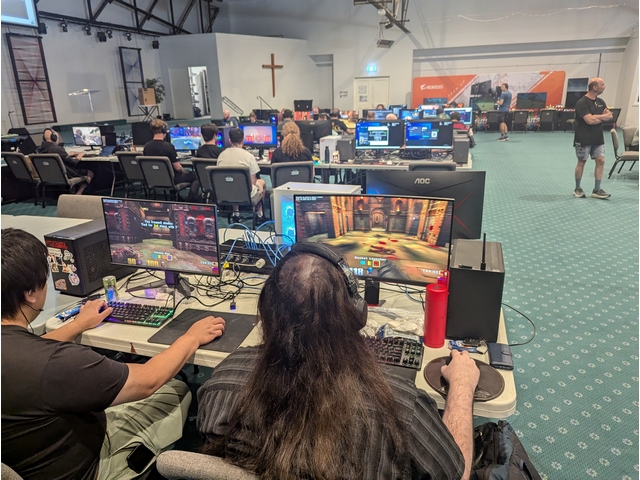
A Bring Your Own PC (BYO PC) ticket lets you access everything The Big LAN has to offer. Your ticket includes a seat at one of our rows of tables, an ethernet (network) cable that is already linked into our network, two power points (one for your PC and one for your monitor), and a 3'x3' space to set up all your equipment in. You can connect any device you'd like including a laptop, desktop, Xbox, PlayStation, ROG Ally, Steam Deck, or Nintendo Switch, however a Windows based PC is recommended to get the most out of the day.

Wi-Fi is available, however we recommend ensuring your device either has an ethernet port or you bring a basic USB to ethernet adapter.

BYO PCs

Spectator Ticket

Spectator tickets let you access the event, watch the action, and play Blood on the Clocktower. You won't be able to join the LAN or compete in PC tournaments. A spectator ticket is best for parents/guardians of players and includes lunch and dinner.

BloodontheClocktower

Lunch & Dinner

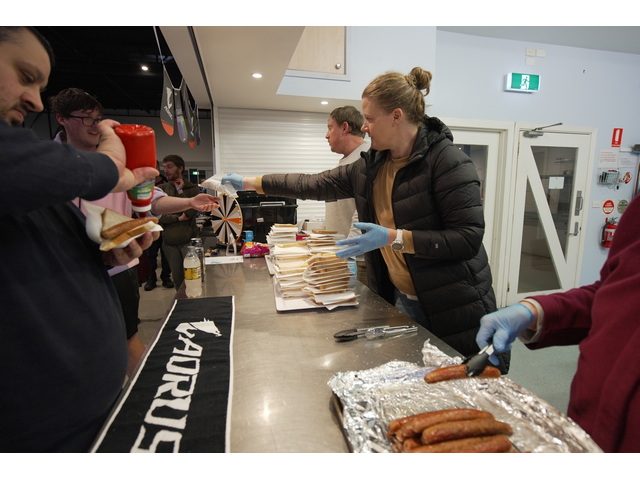
Every ticket includes a sausage sizzle lunch and a Costco pizza dinner. If you have dietary requirements please let us know before the event via Facebook, Discord, or Email.

Looking for more snacks and drinks? Our tuck shop is open all day selling soft drinks, potato cakes, chicken nuggets, jam doughnuts, and lots more.

Food

Blood on the Clocktower

All Day
Blood on the Clocktower

24th January 2026 - Doors Open 11AM

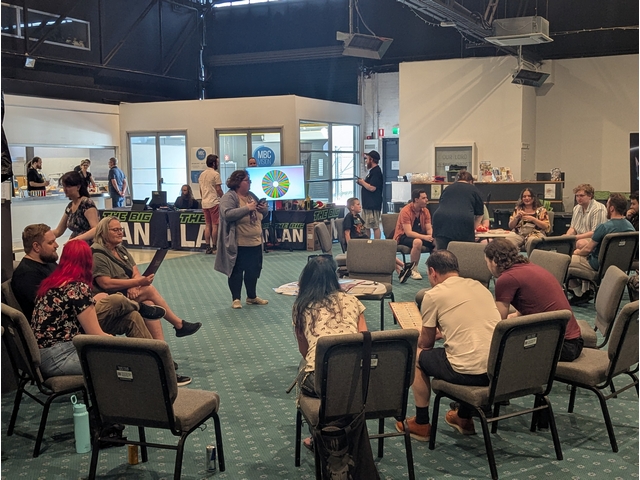
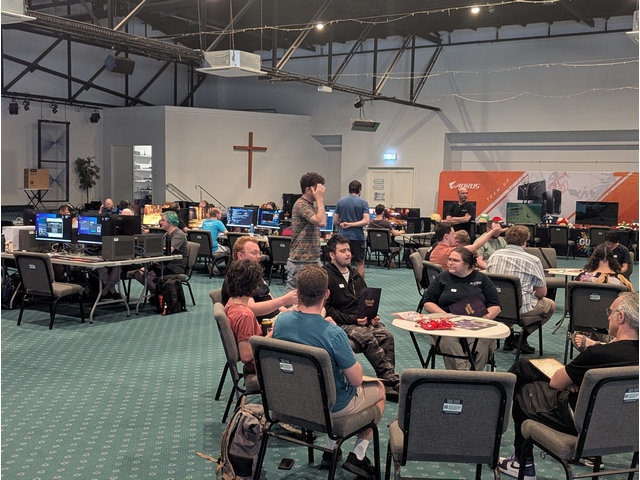
Come join us at The Big LAN and play Blood on the Clocktower as long as you want, as many times as you want, with all equipment, storytellers, and lunch and dinner included!

This is an 18+ alcohol free event. Players under 18 require a parent or guardian present for the duration of the event.
$5

11AM

Entry

Doors Open

Tickets

Spectator

Check out the event and play Blood on the Clocktower, including lunch and dinner.

$5

1PM

6PM

Lunch

Dinner

During a hellish thunderstorm, a scream echoes through the sleepy town of Ravenswood Bluff. The townsfolk rush to investigate and find the beloved local storyteller has been murdered, their body hanging limp from the clocktower. As blood drips onto the cobblestones below, a realisation slowly dawns… a demon has been unleashed, killing by night and taking on human form by day.
Can good find the demon in time? Or will evil overrun this once peaceful town?

Blood on the Clocktower is a game of murder and mystery, lies and logic, deduction and deception for five-to-twenty courageous players and one devious storyteller.

Come join us at The Big LAN and play Blood on the Clocktower as long as you want, as many times as you want, with all equipment, storytellers, and lunch and dinner included!

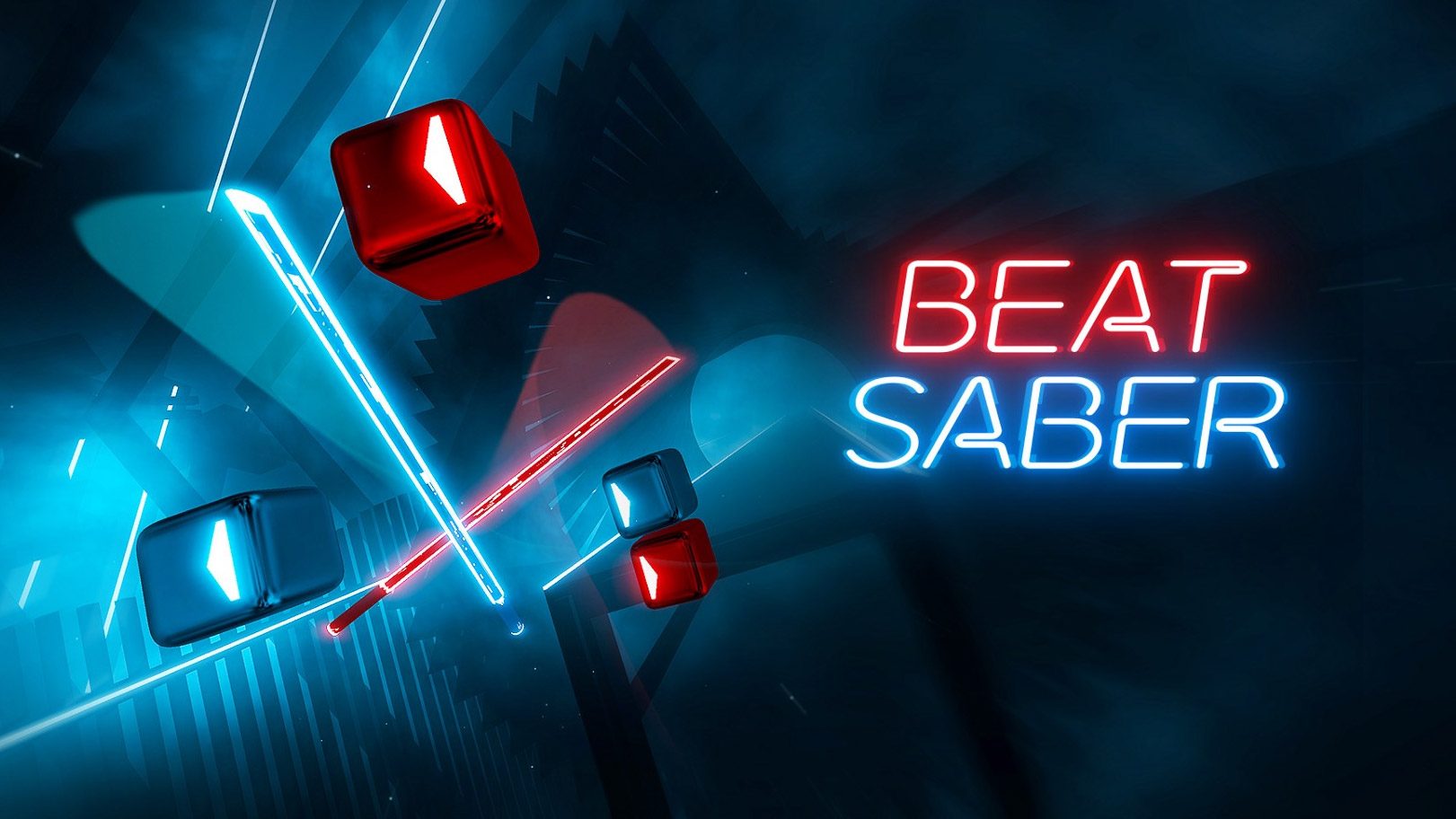
VR Corner

TBD

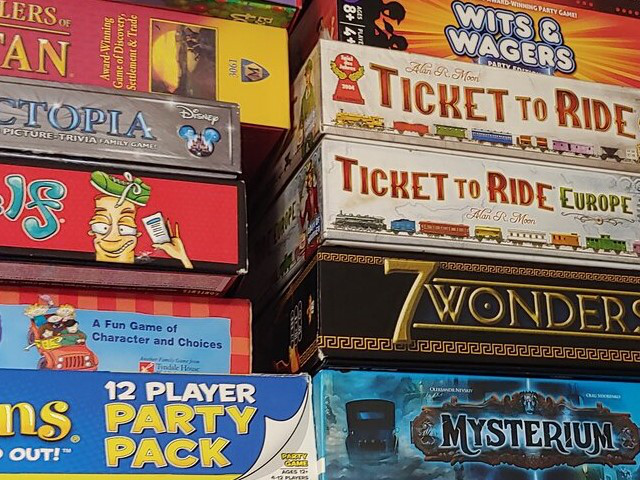
Board Games

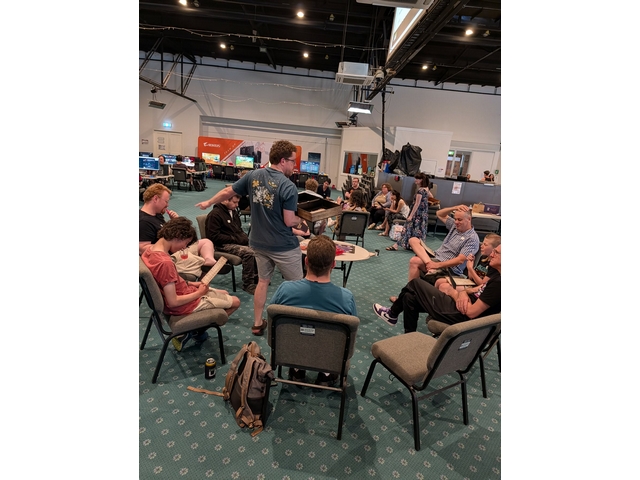
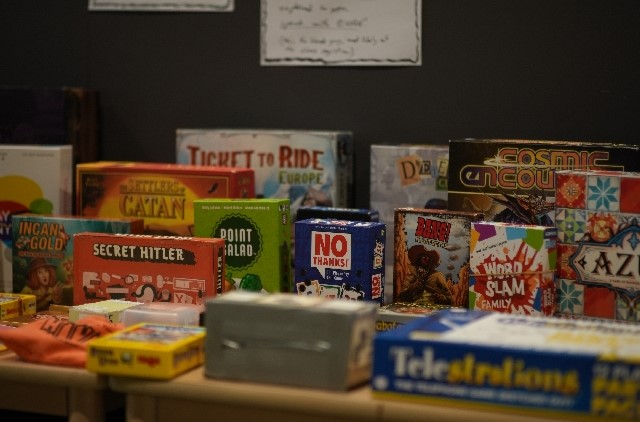
Grab a game from our library and set yourself up with friends old and new!

boardgameslibrary

Dirt 5

Head to head!

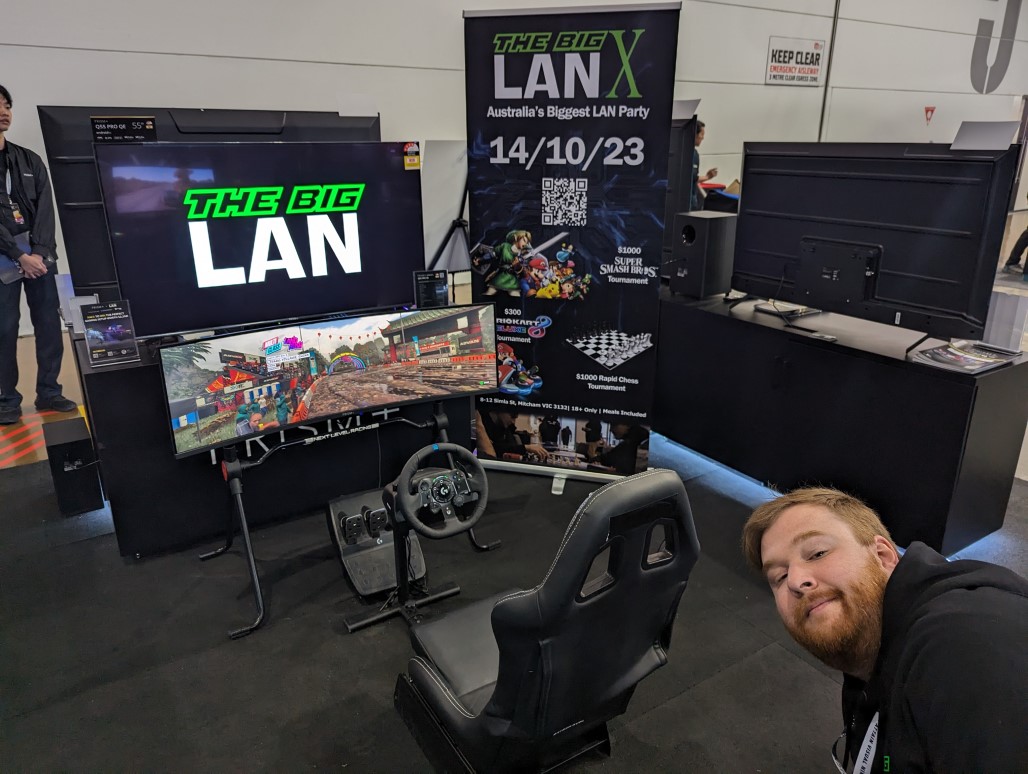
Jump in one of our racing simulators and play a head to head race in a single elimination tournmament of Dirt 5.

All equipment provided.

Simulators will be available all morning for warm up or free play.

Rules
Track Mode Class Car Preset
Brazil Sao Conrado Multiplayer Modern Rally Skoda Fabia Intermediate
prizes

Mario Kart World

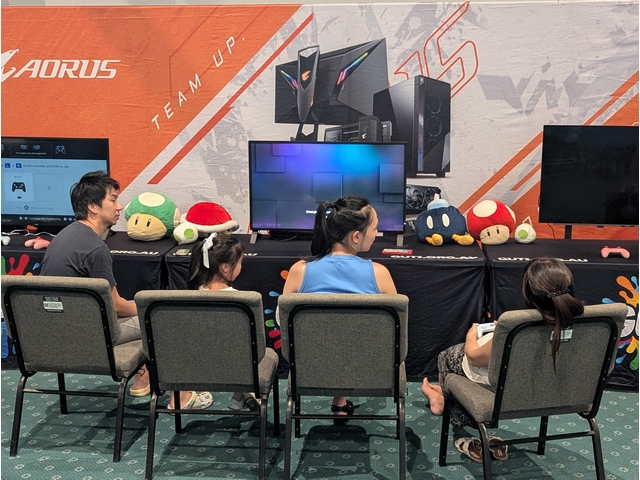
Try out the latest offering from Nintendo on one of our Nintendo Switch 2s, and jump into the newest Mario Kart with lots of prizes to be won!

Entry with any ticket, all equipment provided, BYO controller welcome.

We'll start the day with Grand Prix races, shift gears into some freeplay with your friends until 6PM, then drift back into knockout races for prizes and bragging rights!

Prizes

To be announced

Prizes

To be announced

Time Mode Speed Settings Prizes
11:30 GP 150cc 4 players per switch, local multiplayer, single elimination bracket (1st placed player continues to final). 4 players per switch, local, single elimination. TBD
13:00 Freeplay Any Up to 4 players per switch, local multiplayer. Drop in and drop out as you please all afternoon, no sign ups required. Up to 4 players per switch, local freeplay.
18:30 Knockout 150cc 2 players per switch, LAN connection for 6+ players total, single elimination bracket (1st placed player continues to final). 2 players per switch, LAN, single elimination. TBD

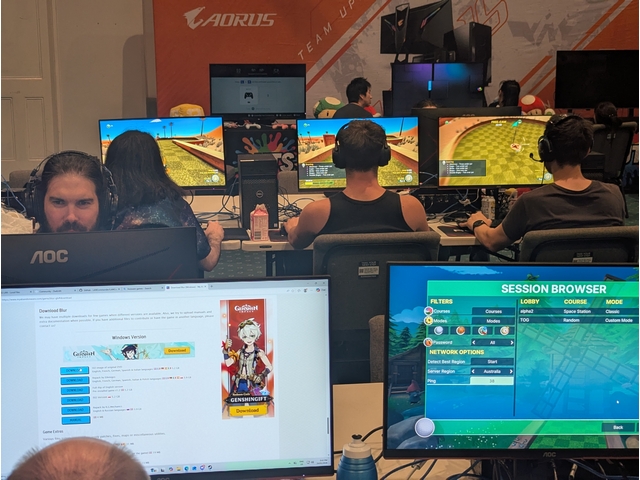
Golf With Your Friends

Collisions on chaos and jumping galore in everyone's favourite golf game!

Golf with your Friends does not have cross play.

Please note we will be using the Steam version of the game. We will attempt to get lobbies running for other services (PC Gamepass, GOG, Switch, etc.) if there is sufficient demand but cannot promise support.

Halo: Custom Edition - FFA Slayer

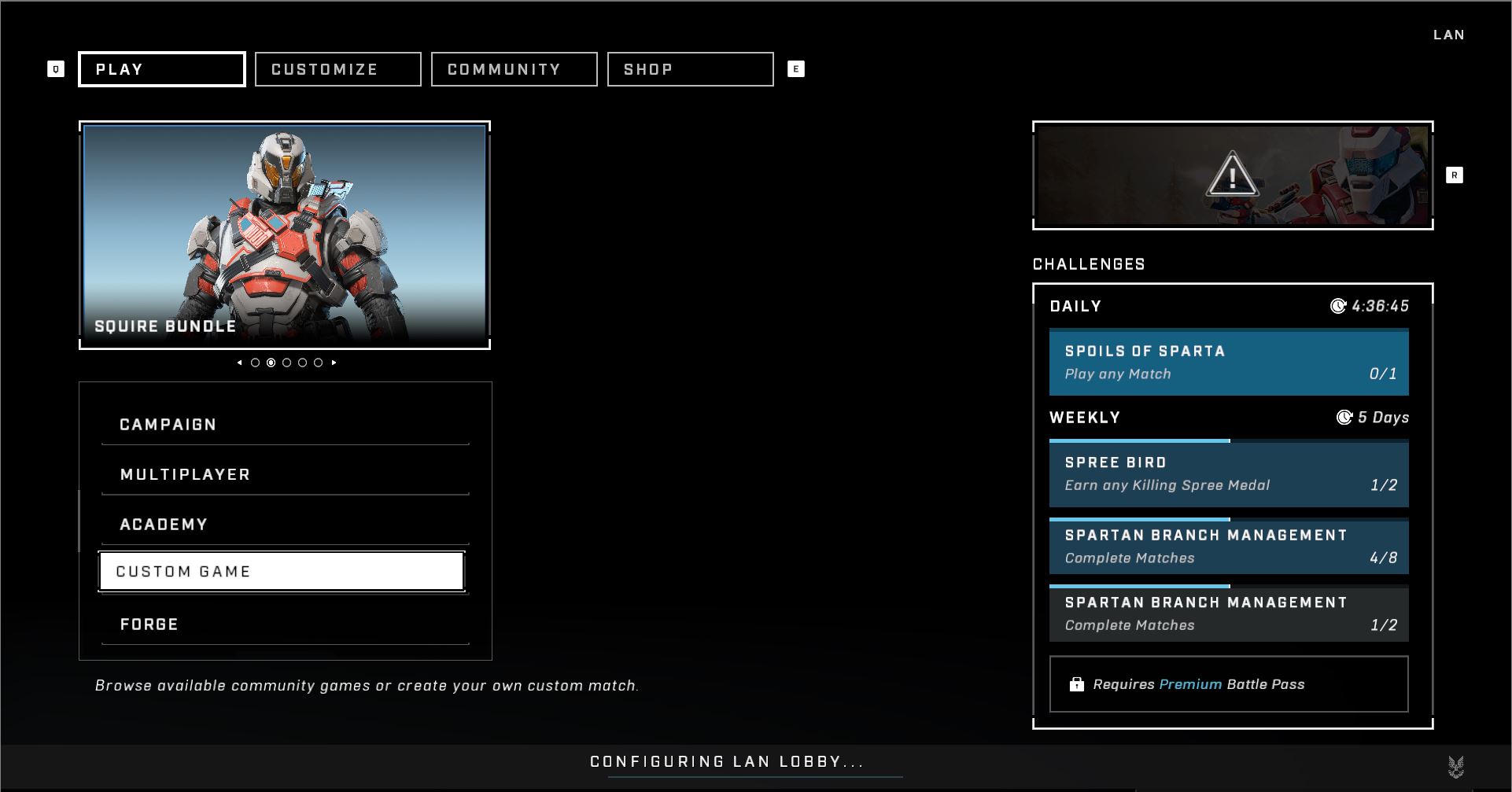
The ultimate Halo Combat Evolved experience that anyone can join. Jump into free for all slayer on a classic map with assault rifle and pistol starts. First to 50 kills or the leading player after 30 minutes wins the prize. We'll kick things off with a few warm up rounds for the first half hour before playing for the top prize.

You can download Halo Custom Edition here. Please note Halo: Custom Edition will only run on Windows PCs.

Tips & Help

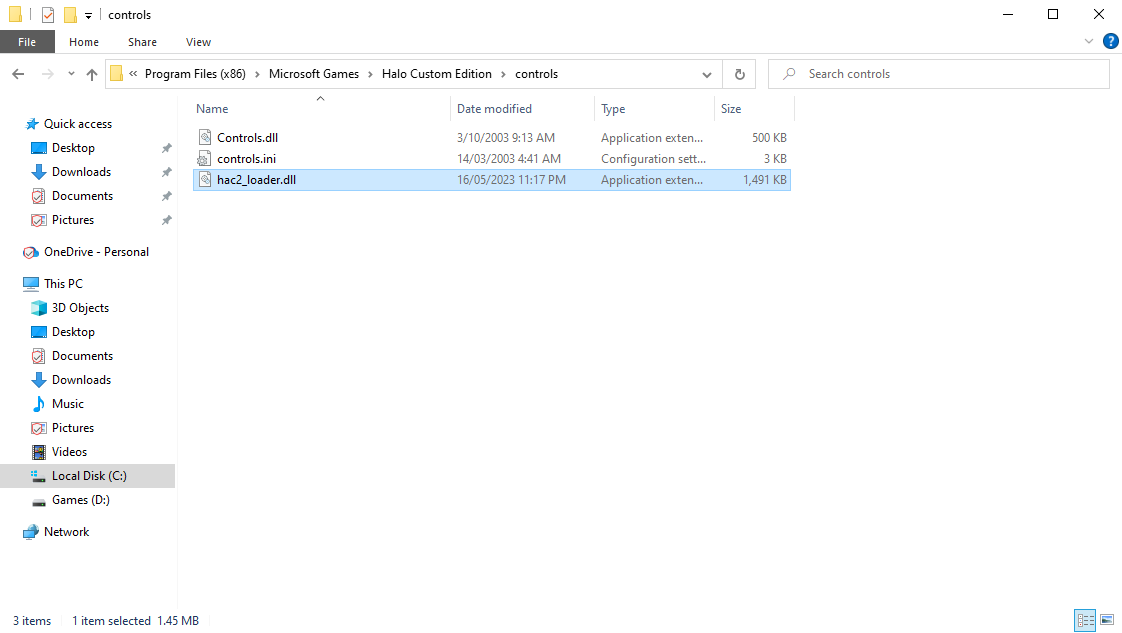
FoV Modifier

When installing the game a mod is offered to give a Field of View (FoV) controller. Installing this file as per the instructions below may cause errors with certain graphics card drivers. If a “HAC error” occurs when booting the game delete the additional dll added to the controls folder.

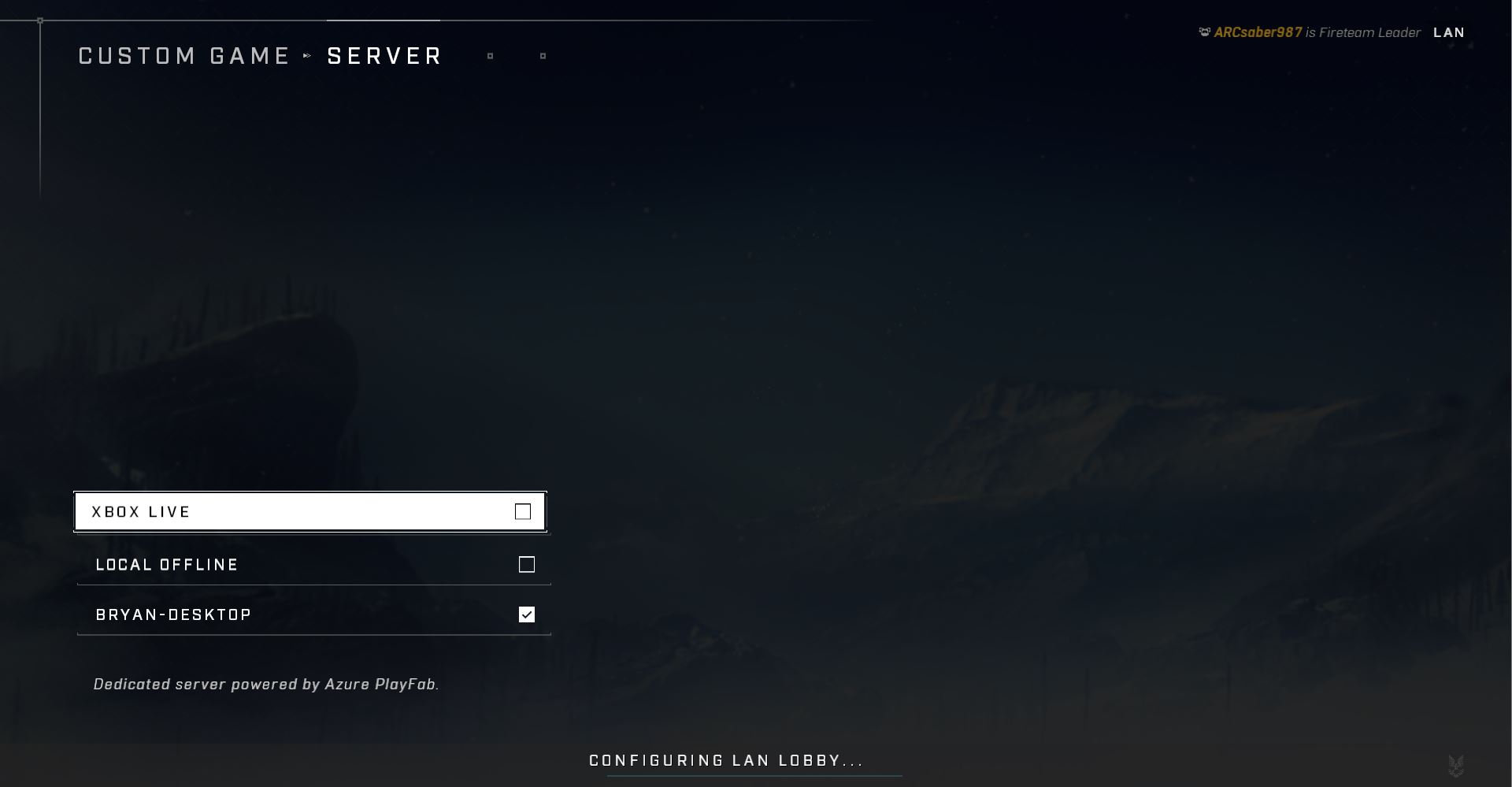
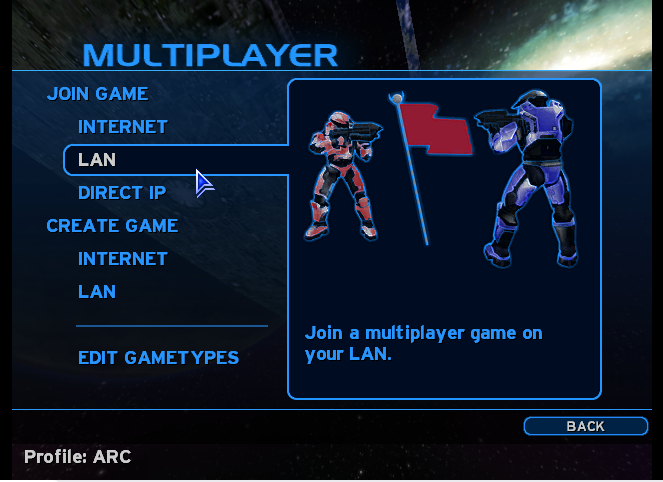
Joining a LAN server

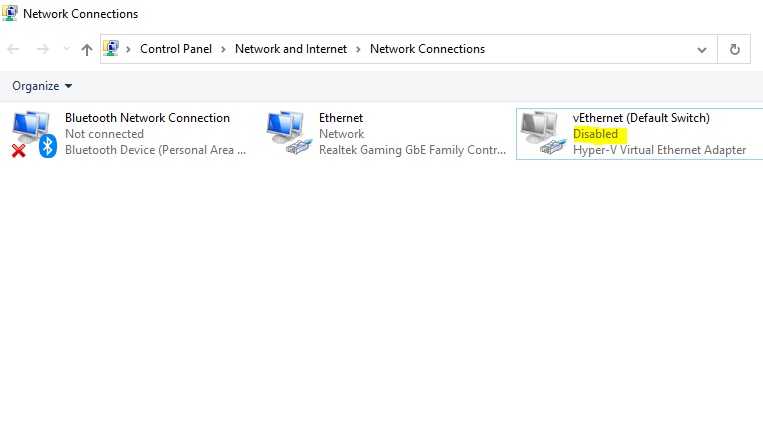
If you are running the game but can’t see the servers, ensure the game is allowed through your local firewall. If that doesn’t work, ensure all Network Interfaces are disabled except the one you are using. Failing that select the “Join via IP” option and ask The Big LAN staff for the address.

Halo Master Chief Collection

Jump into a mix of popular free for all modes across Halo Master Chief Collection. We'll play a few warm up games for fun, then play Slayer for the prizes.

Looking to play a different map? We'll take a quick vote per server on the day.

Round Game Mode Map
1 Halo 2 Slayer (SMG & BR) Lockout
2 Halo Reach Headhunter Powerhouse
3 Halo 3 FFA TU Slayer Heretic

Tips & Help

Switching to LAN
  1. Select "Options and Career" in the bottom left corner
  2. Select "Settings" at the bottom of the menu
  3. Select " Network" on the top row of menu options
  4. Press the arrow next to "Xbox Live" to change it to "LAN"
  5. Press back at the bottom left of the screen
  6. When prompted press "Save Settings"
  7. On the main menu press the button at the top right of the screen next to your name and rank
  8. From the menu that appears on the right of the screen select the player you need to join and pick "join".
Checking Installs
  1. Select "Options and Career" in the bottom left corner
  2. Select "Settings" at the bottom of the menu
  3. Select "Gameplay" on the top row of menu options
  4. Select the options below each game for the components you need
  5. Press accept in the bottom left of the screen
  6. The download will start and appear at the top of the main menu. If the download is running slowly ask The Big LAN team for help.

Please note only Halo Reach multiplayer is installed by default.

Tetr.io

Multiplayer Tetris! Play Tetris against the whole room, add blocks to other players by getting a tetris!
We recommend downloading the offline Desktop version via our local file server here, else you can play the game in browser at Tetr.io.

Quake 3 Arena

The king of arena shooters. We'll have dedicated Free for all Deathmatch servers on the LAN ready to go, and you can vote on the maps you'd like to play. We'll kick things off with a few warm up rounds for the first half hour before playing for the top prize.

Tips & Help

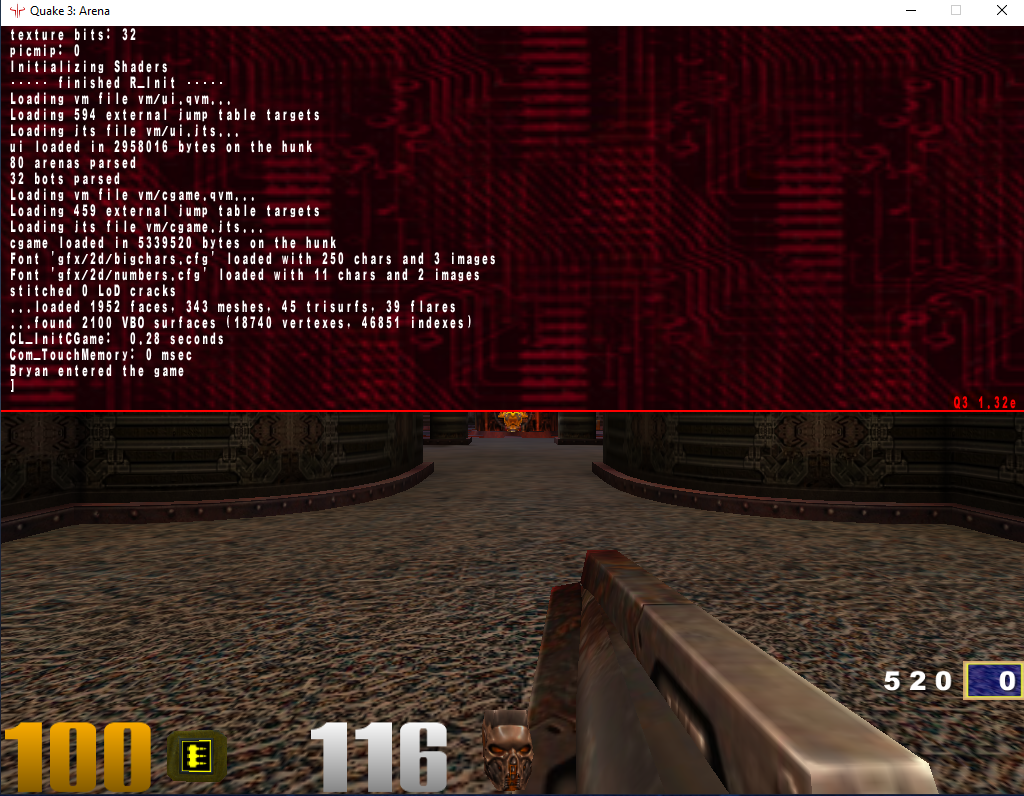
If you're at the event you can download a complete, ready to run copy of Quake 3 Arena from our file server.

If you're using the steam version of Quake 3 Arena you'll need to install the v1.32e patch to join our server. You can download it from moddb here or ask the tech team to help you on the day. If you already have 1.32e installed you're good to go! Just boot the game, press the ~ key, and check your version in the bottom right of the resulting window.

Counter Strike 2

Arms Race

Race against the room to get to the golden knife in this classic mode! We'll kick things off with a few warm up rounds for the first half hour before playing for the top prize.

Tips & Help

Joining a CS2 LAN game
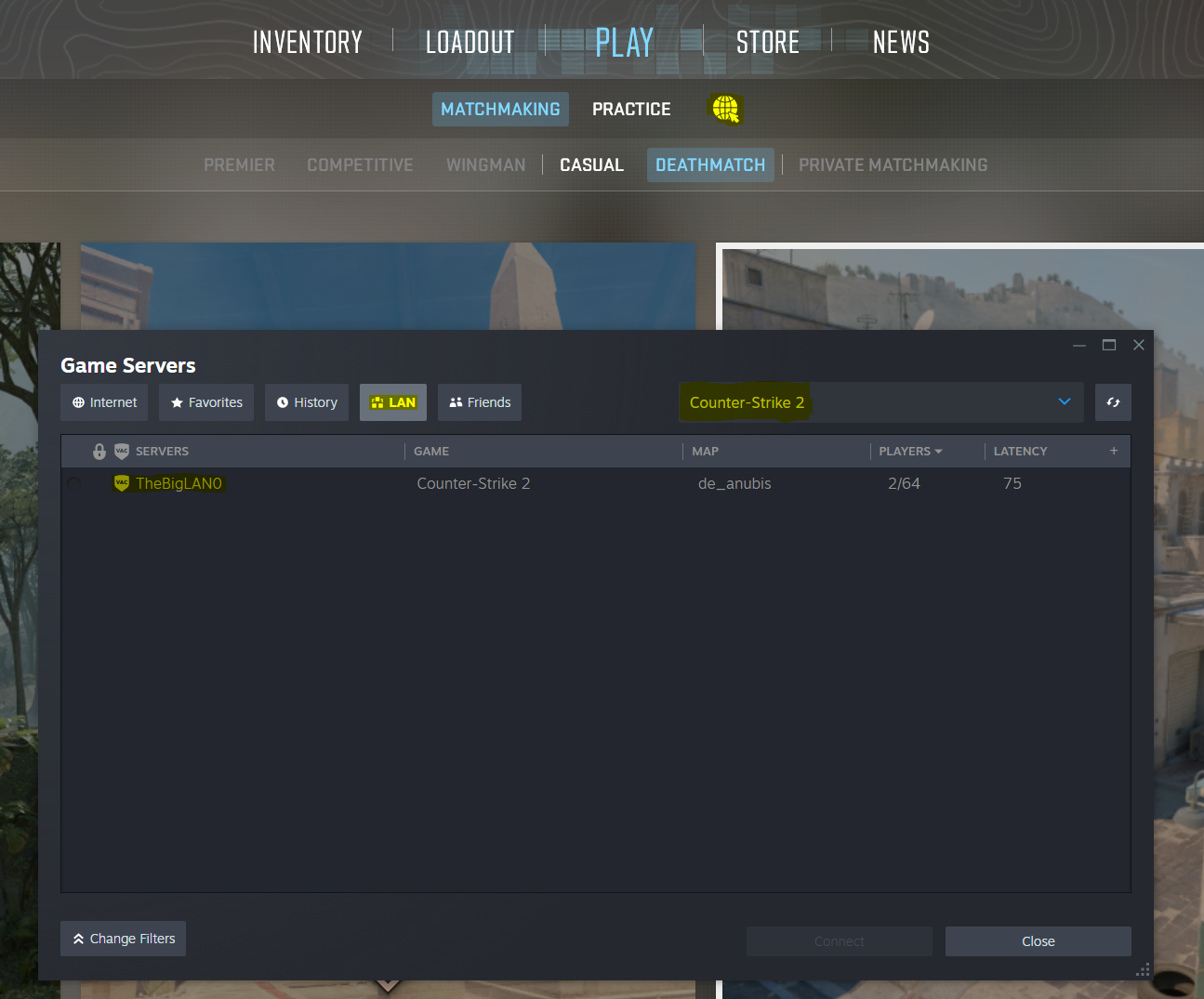
  1. On the top menu select 'Play'
  2. Select the image of a globe with a mouse pointer (next to 'Practice').
  3. A new window will open. Select 'Counter Strike 2' in the top right dropdown.
  4. Select the LAN tab and then select the game you'd like to join.
No games in the LAN lobby
  1. Make sure the game is allowed through your firewall
  2. Try switching TheBigLAN network to "Private" rather than "Public" by selecting "Network & Internet Settings" under the network option from the task bar, selecting TheBigLAN, and choosing "Private".
  3. Try disabling all network interfaces besides the one you are trying to use. For example, CSGO will default to your first ethernet port for server advertisements regardless of if you are on Wi-Fi or a secondary interface.
  4. Try connecting directly to the server via IP. The tech desk will be able to help you do this.

Counter Strike 2

Wingman

Grab your partner in arms and get ready for 2v2 Counter Strike. Single elimination brackets of default competitive Wingman settings, best of 16 rounds with overtime.

The Big LAN aims to maintain competitive rules while making this tournament accessable to new players. As such the map will default to Inferno for each game. Teams can discuss alternate maps they'd rather use per match and on agreement The Big LAN staff will configure the server accordingly.

Knocked out early and want to play more? No worries! We'll host extra scratch matches on demand and have extra novelty prizes for the winners.

Prizes

To be announced

Tips & Help

Joining a CS2 LAN game
  1. On the top menu select 'Play'
  2. Select the image of a globe with a mouse pointer (next to 'Practice').
  3. A new window will open. Select 'Counter Strike 2' in the top right dropdown.
  4. Select the LAN tab and then select the game you'd like to join.
No games in the LAN lobby
  1. Make sure the game is allowed through your firewall
  2. Try switching TheBigLAN network to "Private" rather than "Public" by selecting "Network & Internet Settings" under the network option from the task bar, selecting TheBigLAN, and choosing "Private".
  3. Try disabling all network interfaces besides the one you are trying to use. For example, CSGO will default to your first ethernet port for server advertisements regardless of if you are on Wi-Fi or a secondary interface.
  4. Try connecting directly to the server via IP. The tech desk will be able to help you do this.

Rocket League

Rocket League Doubles

Single Elimination Tournament

Entry welcome on all hardware types and all controller types

Knocked out early and want to play more? No worries! We'll host extra scratch matches on demand and have extra novelty prizes for the winners.

Please note console versions of the game do not support LAN play and The Big LAN cannot promise equivalent performance to LAN when playing via an online server

Prizes

To be announced

Settings:

Game Mode: SOCCAR
Arena: DFH STADIUM
Team Size: 2v2
Bot Difficulty: NO BOTS

Mutators:

Preset Settings: CUSTOM
Match Length: 5 MINUTES
Max Score: UNLIMITED
Overtime: UNLIMITED
Series Length: 3 GAMES
Game Speed: DEFAULT
Ball Max Speed: DEFAULT
Ball Type: DEFAULT
Ball Size: DEFAULT
Ball Bounciness: DEFAULT
Boost Amount: DEFAULT
Rumble: NONE
Boost Strength: 1X
Gravity: DEFAULT
Demolish: DEFAULT
Respawn Time: 3 SECONDS

Age of Empires 2: Definitive Edition

Age of Empires FFA Regicide

The story of every LAN, the timeless battle, it's Age of Empires!

Game Settings

Game Mode: Regicide
Map Style: Standard
Location: Random Map (Land Maps & Water Maps)
Map Size: Giant
AI Difficulty: Hardest
Resources: Standard
Population: 200
Game Speed: Standard
Reveal Map: Normal Starting Age: Standard
Ending Age: Standard

Treaty Length: <None>
Lock Teams: No
Team Together: Yes
Team Positions: No
Shared Exploration: No
Lock Speed: Yes
Allow Cheats: No
Turbo Mode: No
Full Tech Tree: No
Record Game: Yes

Tips & Help

Joining a LAN game
  1. Select "Multiplayer" on the main menu
  2. Select "Join Custom Game" at the top right of the menu
  3. Select the "Server" drop down on the top right and select the bottom option, "LAN"
  4. Select the game from the list and then click "Join Lobby"
No games in the LAN lobby
  1. Make sure the game is allowed through your firewall
  2. Try switching TheBigLAN network to "Private" rather than "Public" by selecting "Network & Internet Settings" under the network option from the task bar, selecting TheBigLAN, and choosing "Private".
  3. Try connecting directly to the server via a Steam invite from another player. The tech desk will be able to help you do this.

Lego Party

Freeplay games of Lego Party, anytime outside of Mario Kart tournaments

Kirby Air Riders

Charge, boost, and spin to attack your rivals in Kirby Air Riders, a fast-paced vehicle action featuring Kirby and crew!

4 player racing, all equipment provided.

Remote Control Rocket League

Single Elimination Tournament. All equipment including cars provided, bring your Rocket League skills into the real world!

Settings:

Game Mode: SOCCAR
Arena: INDOOR SOCCER COURT
Team Size: 2v2
Bot Difficulty: NO BOTS

Mutators:

Preset Settings: CUSTOM
Match Length: 5 MINUTES
Max Score: UNLIMITED
Overtime: UNLIMITED
Series Length: 3 GAMES
Gravity: DEFAULT
Demolish: Please don't demolish the R/C Cars....

TBD