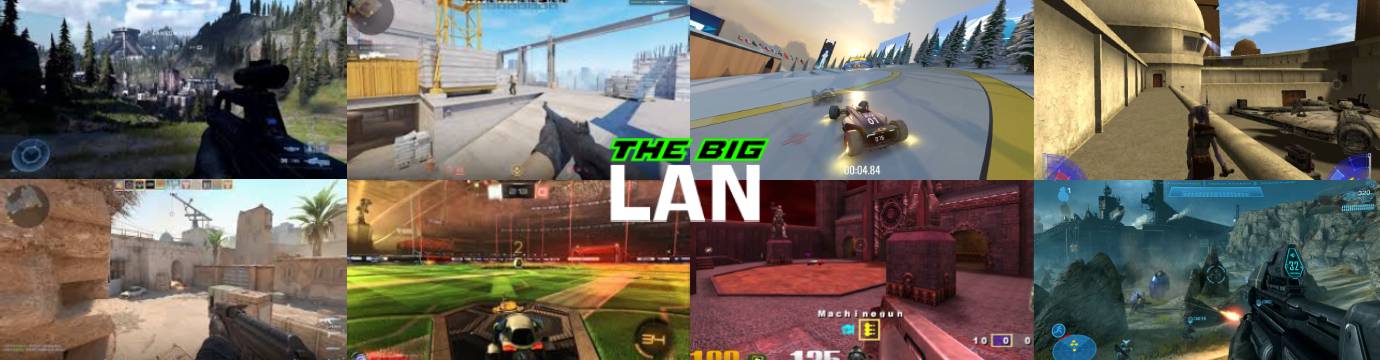
The Big LAN 22

17th October 2026
Doors Open 11AM

The Big LAN 22

17th October 2026
Doors Open 11AM

Coming Soon

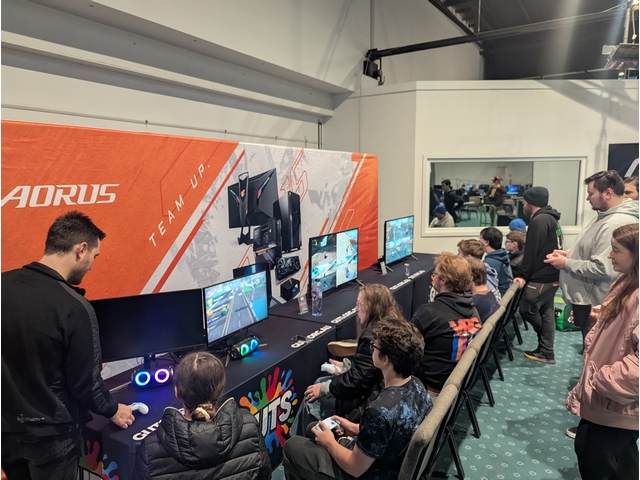
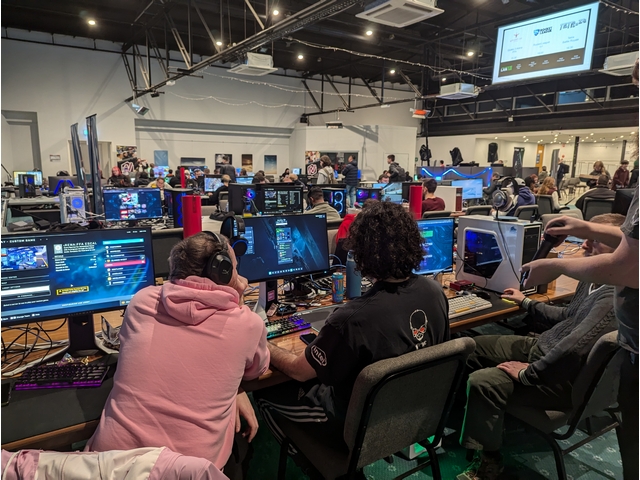
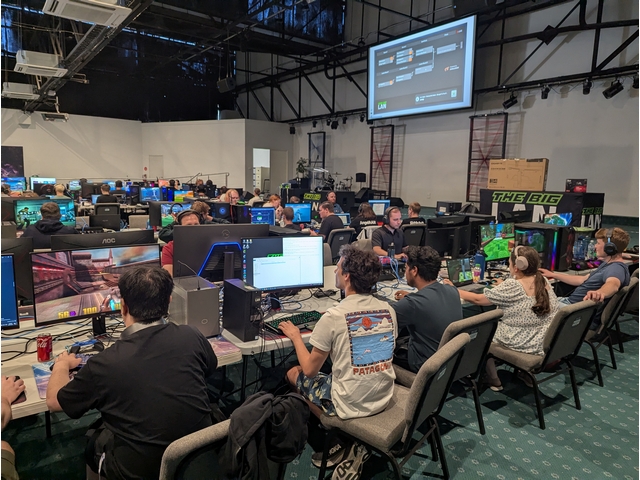
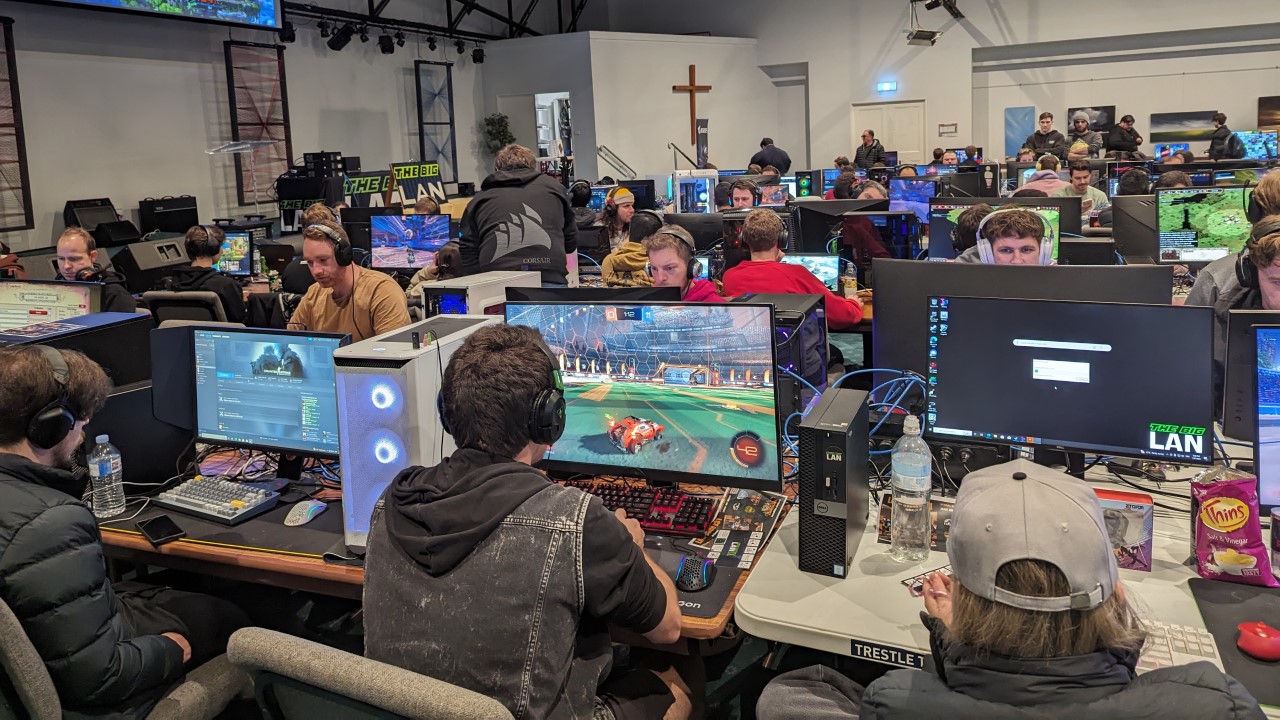
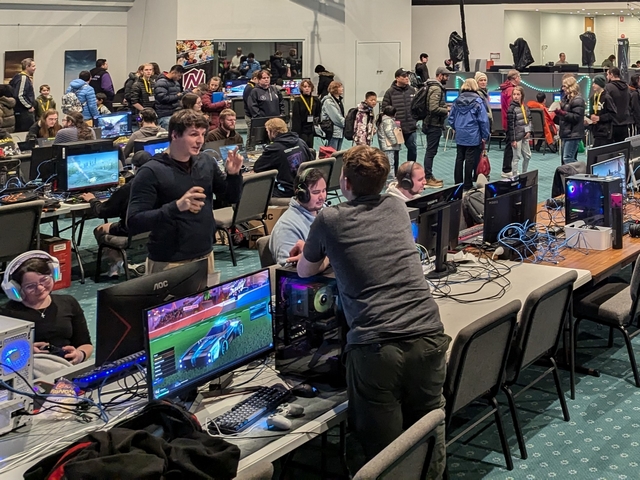
Come on down to THE BIG LAN, a full day LAN party filled with tournaments, esports, gaming, and Blood on the Clocktower! Bring along your PC and plug into our network for heaps of games with loads of prizes.

8-12 Simla St, Mitcham VIC 3132. Lots of on site parking available and PT just around the corner!

This is an 18+ alcohol free event. Players under 18 require a parent or guardian present for the duration of the event.
You Bring


PC or Console

Monitor & Cables

Keyboard & MouseExtras

Games & Accounts

We Bring


Network & Power

Multiplayer Servers

Network Cache

Food & Drinks

Tickets

Extra discounts on now

Early bird discounts on now

BYO PC

Access everything The Big LAN has to offer.

$30

...

...


Rentals

Access everything The Big LAN has to offer by borrowing a monitor, PC, or both!

$35

...


Spectator

Check out the event and play Blood on the Clocktower, including lunch and dinner.

$5

Arrive & Setup
Arrive at least an hour before the first tournament you'd like to join
Sign Up
We'll take sign ups in person when the tournament is scheduled to start

Schedule

Click each tournament listing for more details

Main LAN

Side Events

11AM
12PM
1PM
2PM
3PM
4PM

5PM
6PM
7PM
8PM
9PM
10PM

22:00
Doors Close

games are available on demand all day.

Blood on the Clocktower

Clocktower Promo

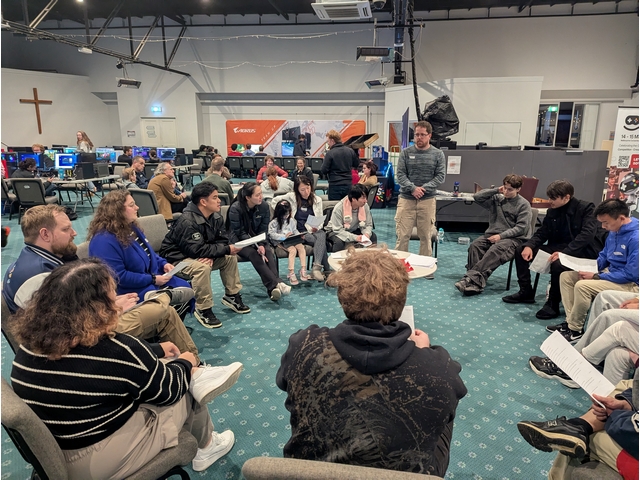
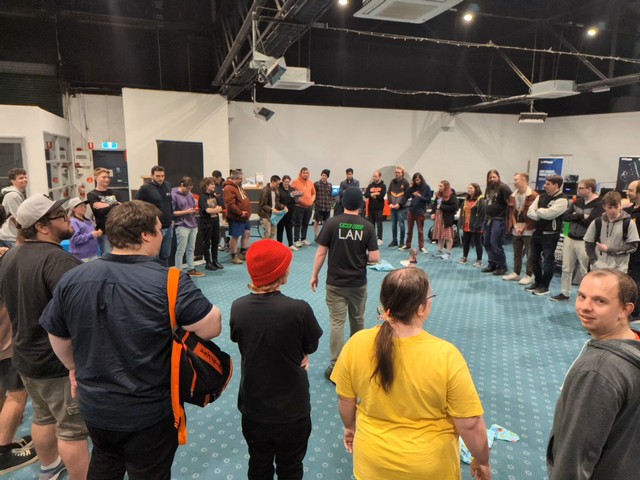
Entry with any ticket, all equipment and storyteller provided. Just grab your friends, join the circle, and work together to find the evil traitors before it's too late!

Games start on demand all day. Listen out for announcements for when the next game is starting.

Servers & Scores

Server Promo

Get up to date info of what is running on our servers and how to join, plus the latest high scores to beat. We've got tournament servers and drop-in drop-out "for fun" servers available all day!

We'll take sign ups in person when a tournament is scheduled to start.

The Big Prize Wheel

At The Big LAN, if you place first, second, or third in most tournaments, you get to spin The Big Prize Wheel.

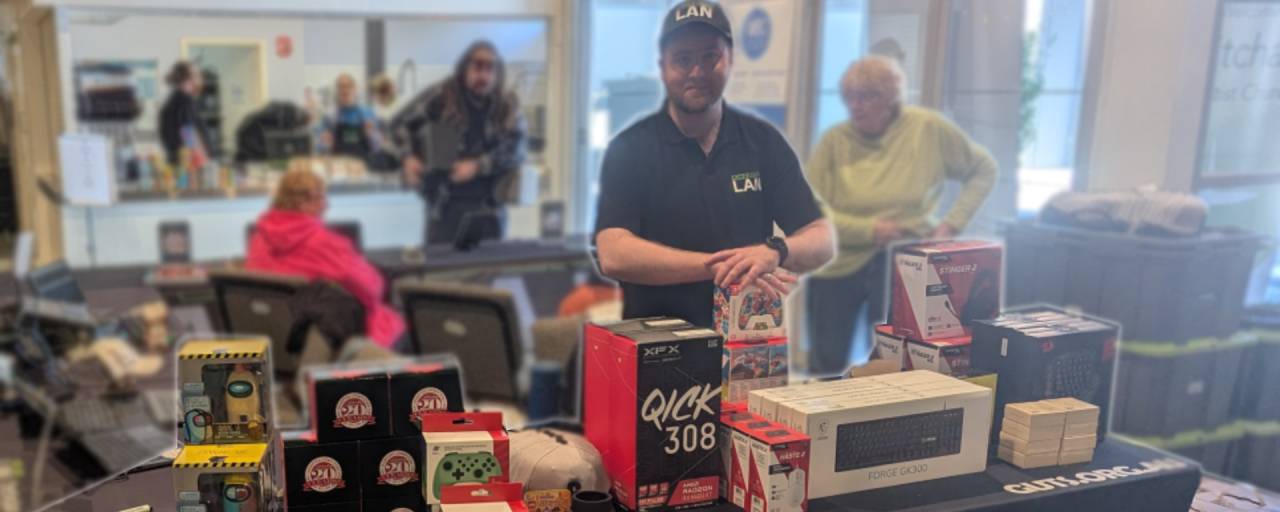
We've got everything from PC peripherals like keyboards & mice to controllers and even monitors!

Bring Your Own PC Ticket

A Bring Your Own PC (BYO PC) ticket lets you access everything The Big LAN has to offer:

A comfy seat and table space

Access all tournaments

Lunch & Dinner

Network cache to install your games quick

Two power points to connect your gear

A gigabit ethernet connection and cable

Open Wi-Fi

Connect any device you'd like including a laptop, desktop, Xbox, PlayStation, ROG Ally, Steam Deck, or Nintendo Switch, however a Windows based PC is recommended to get the most out of the day.

You'll get 1x1 meter approx. space to use for the day. The Big LAN recommends using ethernet for your network connection for the most stable experience.

Spectator Ticket

A Spectator ticket lets you access the event and enter side events, including:

All day Blood on the Clocktower

Nintendo tournaments

Lunch & Dinner

Chess tournament

Spectator tickets let you access the event, watch the action, and play Blood on the Clocktower. You won't be able to join the LAN or compete in PC tournaments.

A spectator ticket is best for parents/guardians of players and includes lunch and dinner.

Lunch & Dinner

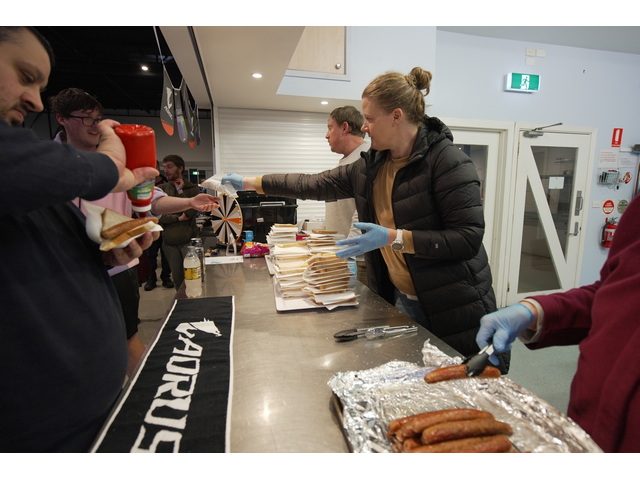
Every ticket includes a sausage sizzle lunch and pizza dinner. If you have dietary requirements please let us know before the event via Facebook, Discord, or Email.

Looking for more snacks and drinks? Our tuck shop is open all day selling soft drinks, potato cakes, chicken nuggets, jam doughnuts, and lots more.

Food

The Big Prize Wheel

Prize Table

At The Big LAN, if you place first, second, or third in most tournaments, you get to spin The Big Prize Wheel.

Featuring

  • Gigabyte Monitors
  • Speaker Sets
  • Power A Controllers
  • Asus Mice
  • 3rd Earth Controllers
  • Tshirts & Merch
  • and more!

Blood on the Clocktower

All Day
Blood on the Clocktower

17th October 2026 - Doors Open 11AM

Come join us at The Big LAN and play Blood on the Clocktower as long as you want, as many times as you want, with all equipment, storytellers, and lunch and dinner included!

This is an 18+ alcohol free event. Players under 18 require a parent or guardian present for the duration of the event.
$5

11AM

Entry

Doors Open

Tickets

Spectator

Check out the event and play Blood on the Clocktower, including lunch and dinner.

$5

1PM

6PM

Lunch

Dinner

During a hellish thunderstorm, a scream echoes through the sleepy town of Ravenswood Bluff. The townsfolk rush to investigate and find the beloved local storyteller has been murdered, their body hanging limp from the clocktower. As blood drips onto the cobblestones below, a realisation slowly dawns… a demon has been unleashed, killing by night and taking on human form by day.
Can good find the demon in time? Or will evil overrun this once peaceful town?

Blood on the Clocktower is a game of murder and mystery, lies and logic, deduction and deception for five-to-twenty courageous players and one devious storyteller.

Come join us at The Big LAN and play Blood on the Clocktower as long as you want, as many times as you want, with all equipment, storytellers, and lunch and dinner included!

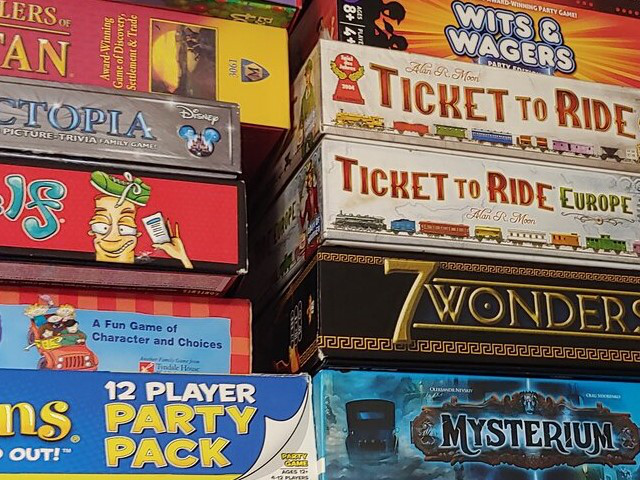
Board Games

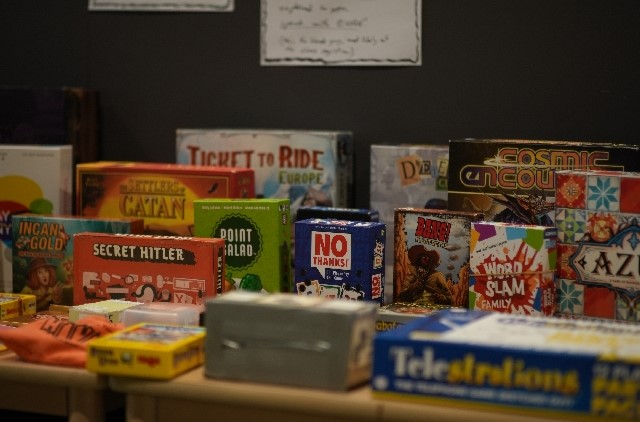
Grab a game from our library and set yourself up with friends old and new!

boardgameslibrary

VR Corner

Jump into Pistol Whip on the Meta Quest 3S at The Big LAN! All gear provided, blast through stylish rhythm action!

Dirt 5

Head to head!

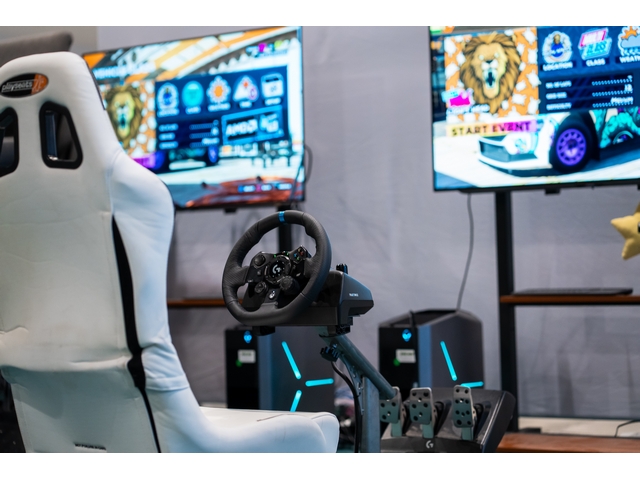
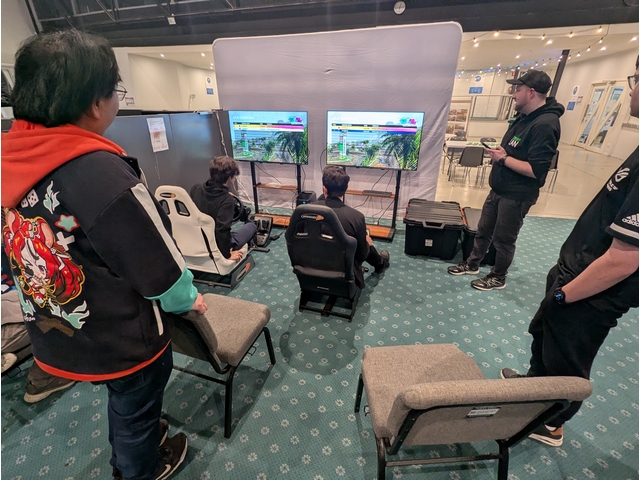
Jump in one of our racing simulators and play a head to head race in a single elimination tournmament of Dirt 5. All equipment provided!

Simulators will be available for warm up or free play

Mario Kart World

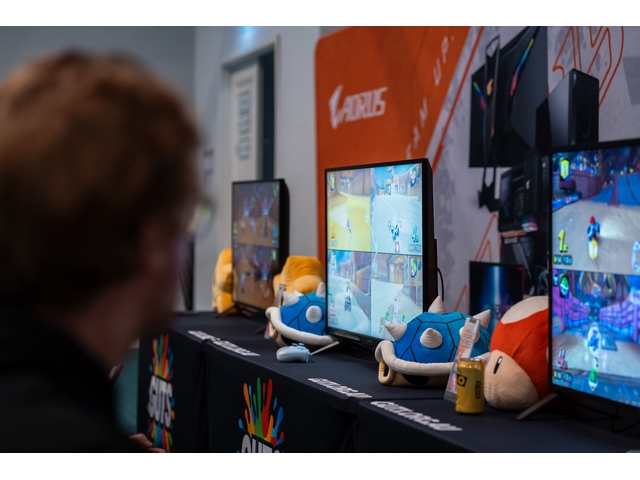
Try out the latest offering from Nintendo on one of our Nintendo Switch 2s, and jump into the newest Mario Kart with lots of prizes to be won!

Entry with any ticket, all equipment provided, BYO controller welcome.

We'll start the day with Grand Prix races, shift gears into some freeplay with your friends until the evening, then drift back into knockout races for prizes and bragging rights!

Age of Empires 2: Definitive Edition

Age of Empires FFA Regicide

The story of every LAN, the timeless battle, it's Age of Empires!

Game Settings

Game Mode: Regicide
Map Style: Standard
Location: Random Map (Land Maps & Water Maps)
Map Size: Giant
AI Difficulty: Hardest
Resources: Standard
Population: 200
Game Speed: Standard
Reveal Map: Normal Starting Age: Standard
Ending Age: Standard

Treaty Length: <None>
Lock Teams: No
Team Together: Yes
Team Positions: No
Shared Exploration: No
Lock Speed: Yes
Allow Cheats: No
Turbo Mode: No
Full Tech Tree: No
Record Game: Yes

Tips & Help

Joining a LAN game
  1. Select "Multiplayer" on the main menu
  2. Select "Join Custom Game" at the top right of the menu
  3. Select the "Server" drop down on the top right and select the bottom option, "LAN"
  4. Select the game from the list and then click "Join Lobby"
No games in the LAN lobby
  1. Make sure the game is allowed through your firewall
  2. Try switching TheBigLAN network to "Private" rather than "Public" by selecting "Network & Internet Settings" under the network option from the task bar, selecting TheBigLAN, and choosing "Private".
  3. Try connecting directly to the server via a Steam invite from another player. The tech desk will be able to help you do this.

Unreal Tournament 2004

We'll be running the latest version of "Old Unreal" Unreal Tournament 2004, which is updated for modern PCs.

All pre-installed on Rental PCs!

We'll play a selection of maps and game modes by popular vote, then play classic FFA Deathmatch for the top prize.

Halo Master Chief Collection

Jump into a mix of popular free for all modes across Halo 3 in the Halo Master Chief Collection using the Project Reclaimer launcher. We'll play a few warm up games for fun, then play Slayer for the prizes.

Looking to play a different map or mode? We'll take a quick vote per server on the day.

Round Game Mode Map
1 Halo 3 FFA Fiesta Last Resort
2 Halo 3 Infection High Ground
3 Halo 3 Slayer (AR & BR) The Pit

Install the Project Reclaimer launcher below, please note you'll need to have both Halo 3 Campaign and Halo 3 Multiplayer installed for Project Reclaimer to start. Project Reclaimer is only compatible with the steam version of Halo MCC.

If you intend to play using the PC Gamepass version of the game (or an Xbox) please let us know and we'll use the regular launcher for later rounds.

Tips & Help

Switching to LAN
  1. Select "Options and Career" in the bottom left corner
  2. Select "Settings" at the bottom of the menu
  3. Select " Network" on the top row of menu options
  4. Press the arrow next to "Xbox Live" to change it to "LAN"
  5. Press back at the bottom left of the screen
  6. When prompted press "Save Settings"
  7. On the main menu press the button at the top right of the screen next to your name and rank
  8. From the menu that appears on the right of the screen select the player you need to join and pick "join"
Checking Installs
  1. Select "Options and Career" in the bottom left corner
  2. Select "Settings" at the bottom of the menu
  3. Select "Gameplay" on the top row of menu options
  4. Select the options below each game for the components you need
  5. Press accept in the bottom left of the screen
  6. The download will start and appear at the top of the main menu. If the download is running slowly ask The Big LAN team for help

Please note only Halo Reach multiplayer is installed by default.

Joining with Project Reclaimer
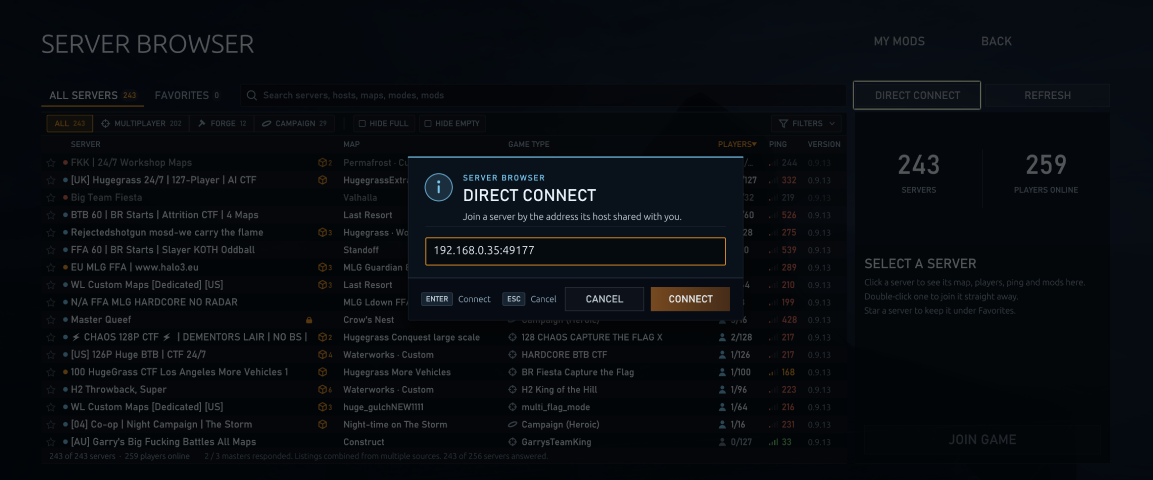
  1. Select "Server Browser" on the main menu
  2. Select "Direct Connect" at the top right
  3. Enter the IP address and port listed on The Big LAN Server Browser
  4. Hit connect

TrackMania

Fastest Lap

Join our LAN server and set a lap time, fastest time wins!

Server is online from mid morning until 7PM, drop in and out to improve your score through the day.

Please note we have upgraded to TrackMania (2020) which can be downloaded from Steam and is still free to play, but requires a Ubisoft Account.

Rocket League

Rocket League Doubles

Single Elimination Tournament

Entry welcome on all hardware types and all controller types

Knocked out early and want to play more? No worries! We'll host extra scratch matches on demand and have extra novelty prizes for the winners.

Please note console versions of the game do not support LAN play and The Big LAN cannot promise equivalent performance to LAN when playing via an online server

Settings:

Game Mode: SOCCAR
Arena: DFH STADIUM
Team Size: 2v2
Bot Difficulty: NO BOTS

Mutators:

Preset Settings: CUSTOM
Match Length: 5 MINUTES
Max Score: UNLIMITED
Overtime: UNLIMITED
Series Length: 3 GAMES
Game Speed: DEFAULT
Ball Max Speed: DEFAULT
Ball Type: DEFAULT
Ball Size: DEFAULT
Ball Bounciness: DEFAULT
Boost Amount: DEFAULT
Rumble: NONE
Boost Strength: 1X
Gravity: DEFAULT
Demolish: DEFAULT
Respawn Time: 3 SECONDS

Quake 3 Arena

The king of arena shooters. We'll have dedicated Free for all Deathmatch servers on the LAN ready to go, and you can vote on the maps you'd like to play.

All pre-installed on Rental PCs!

Tips & Help

If you're at the event you can download a complete, ready to run copy of Quake 3 Arena from our file server.

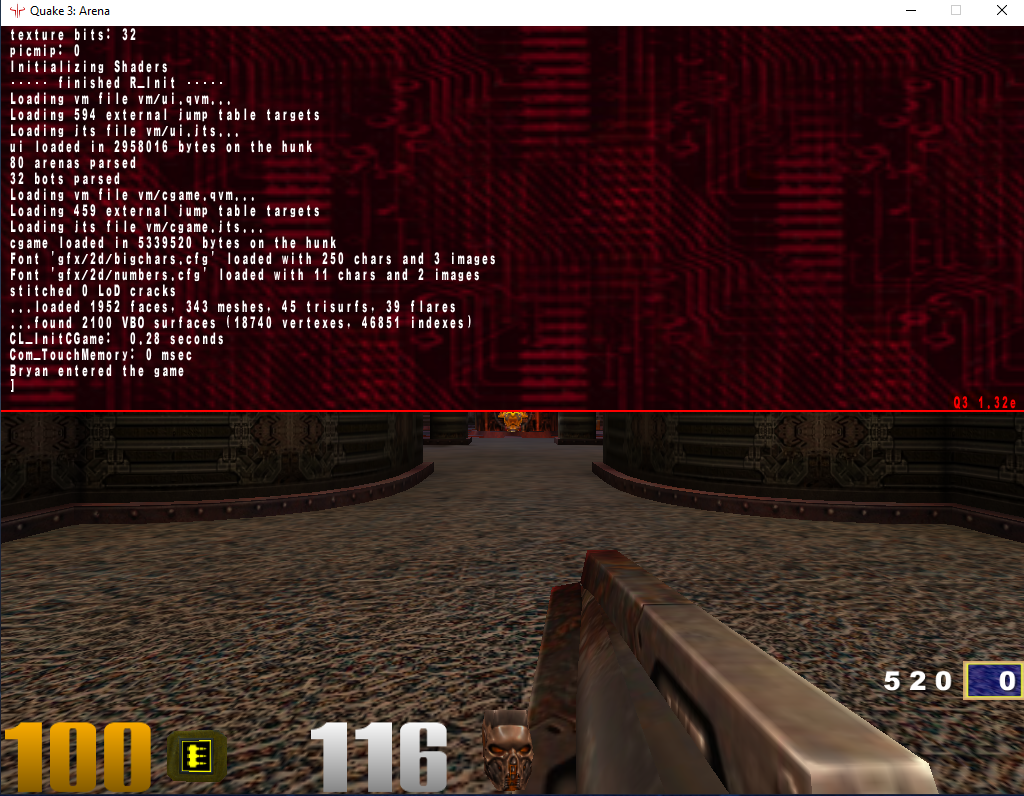
If you're using the steam version of Quake 3 Arena you'll need to install the v1.32e patch to join our server. You can download it from moddb here or ask the tech team to help you on the day. If you already have 1.32e installed you're good to go! Just boot the game, press the ~ key, and check your version in the bottom right of the resulting window.

Counter Strike 2

Wingman

Grab your partner in arms and get ready for 2v2 Counter Strike. Single elimination brackets of default competitive Wingman settings, best of 16 rounds with overtime.

Knocked out early and want to play more? No worries! We'll host extra scratch matches on demand and have extra novelty prizes for the winners.

Current Wingman Maps

    Tips & Help

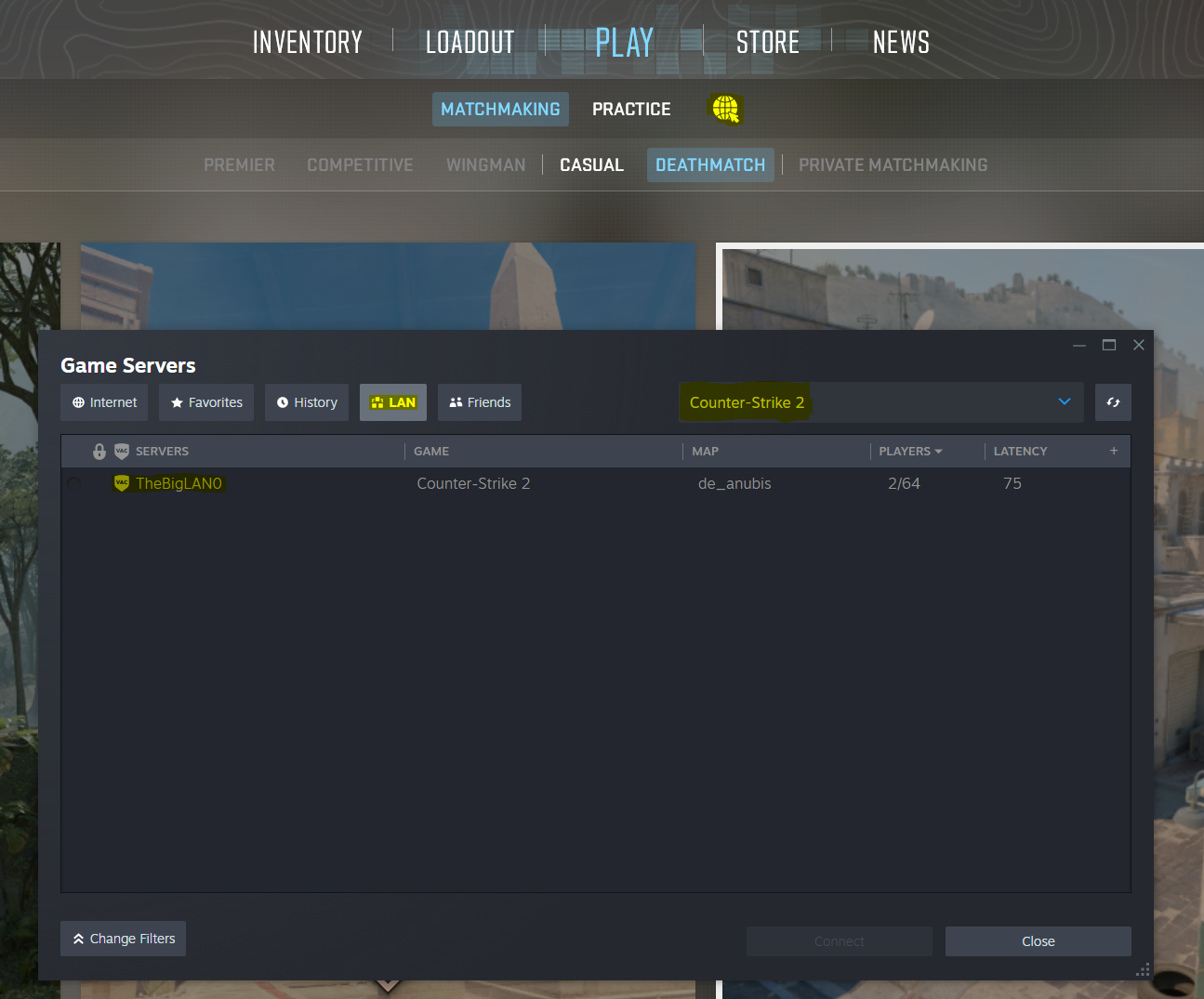
    Joining a CS2 LAN game
    1. On the top menu select 'Play'
    2. Select the image of a globe with a mouse pointer (next to 'Practice').
    3. A new window will open. Select 'Counter Strike 2' in the top right dropdown.
    4. Select the LAN tab and then select the game you'd like to join.
    No games in the LAN lobby
    1. Make sure the game is allowed through your firewall
    2. Try switching TheBigLAN network to "Private" rather than "Public" by selecting "Network & Internet Settings" under the network option from the task bar, selecting TheBigLAN, and choosing "Private".
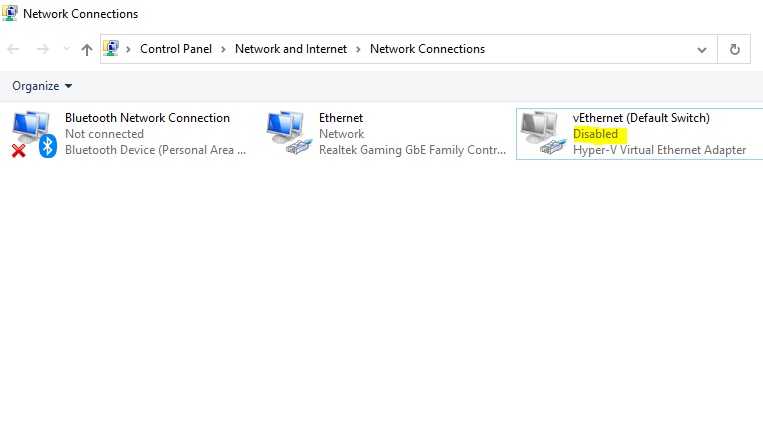
    3. Try disabling all network interfaces besides the one you are trying to use. For example, CS2 will default to your first ethernet port for server advertisements regardless of if you are on Wi-Fi or a secondary interface.
    4. Try connecting directly to the server via IP. The tech desk will be able to help you do this.

    Counter Strike 2

    Arms Race

    Race against the room to get to the golden knife in this classic mode! We'll kick things off with a few warm up rounds for the first half hour before playing for the top prize.

    Current Arms Race Maps

      Tips & Help

      Joining a CS2 LAN game
      1. On the top menu select 'Play'
      2. Select the image of a globe with a mouse pointer (next to 'Practice').
      3. A new window will open. Select 'Counter Strike 2' in the top right dropdown.
      4. Select the LAN tab and then select the game you'd like to join.
      No games in the LAN lobby
      1. Make sure the game is allowed through your firewall
      2. Try switching TheBigLAN network to "Private" rather than "Public" by selecting "Network & Internet Settings" under the network option from the task bar, selecting TheBigLAN, and choosing "Private".
      3. Try disabling all network interfaces besides the one you are trying to use. For example, CS2 will default to your first ethernet port for server advertisements regardless of if you are on Wi-Fi or a secondary interface.
      4. Try connecting directly to the server via IP. The tech desk will be able to help you do this.

      Golf With Your Friends

      Collisions on chaos and jumping galore in everyone's favourite golf game!

      Please note we will be using the Steam version of the game. We will attempt to get lobbies running for other services (PC Gamepass, GOG, Switch, etc.) if there is sufficient demand but cannot promise support.

      Super Battle Golf

      Love Golf with your Friends? Need more golf in your life? Ever wish you could bring flintlock pistols to the green? Super Battle Golf is for you!

      Fistful of Frags

      Surprise stand-out favourite of the last LAN, grab your 6 shooters, find your horse, and join the shootout!

      Fistful of Frags is a stand alone Half Life 2 mod that you can get through steam absolutely free.

      Tips & Help

      Joining a Fistful of Frags LAN game

      The Fistful of Frags server browser is unreliable. The best option is to join via The Big LAN Server Browser

      1. Click the link to The Big LAN Server Browser, which is only available at the event.
      2. A list of servers will appear, under which is a list of games they are currently hosting.
      3. Click the joining link next to the game you would like to join. It will be in the format steam://IP Address:Port
      4. Steam should automatically open Fistful of Frags and connect you to the game.

      Meccha Chameleon

      Join us in the latest craze....hide and seek?

      We'll be playing Increasing Oni or Infection mode. Hiders stay in the game when caught and join the seeker team for the ultimate challenge.

      Blob Bounce

      The Big LAN's latest esports creation

      Bounce your blob around the board, avoid your opponents, and control the most tiles to win!

      TBD

      Chess

      Rapid Chess

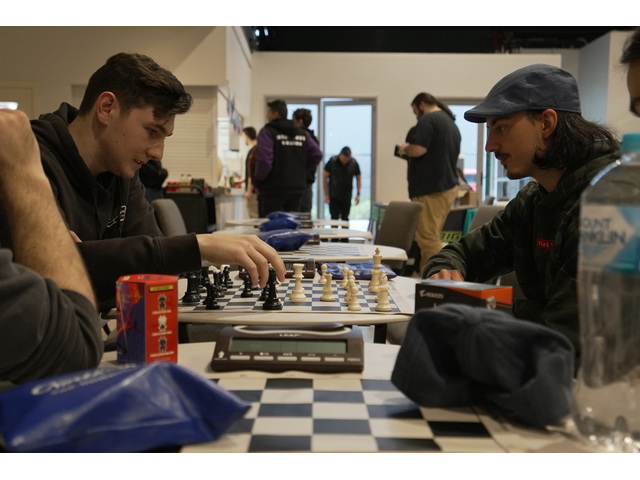
      13+2 rapid chess, all equipment including chess clocks provided.

      Entry welcome to all skill levels and with any ticket.

      Prizes